Common to all users
Login
Users could login by accessing the /#/login page.

Access the user preferences
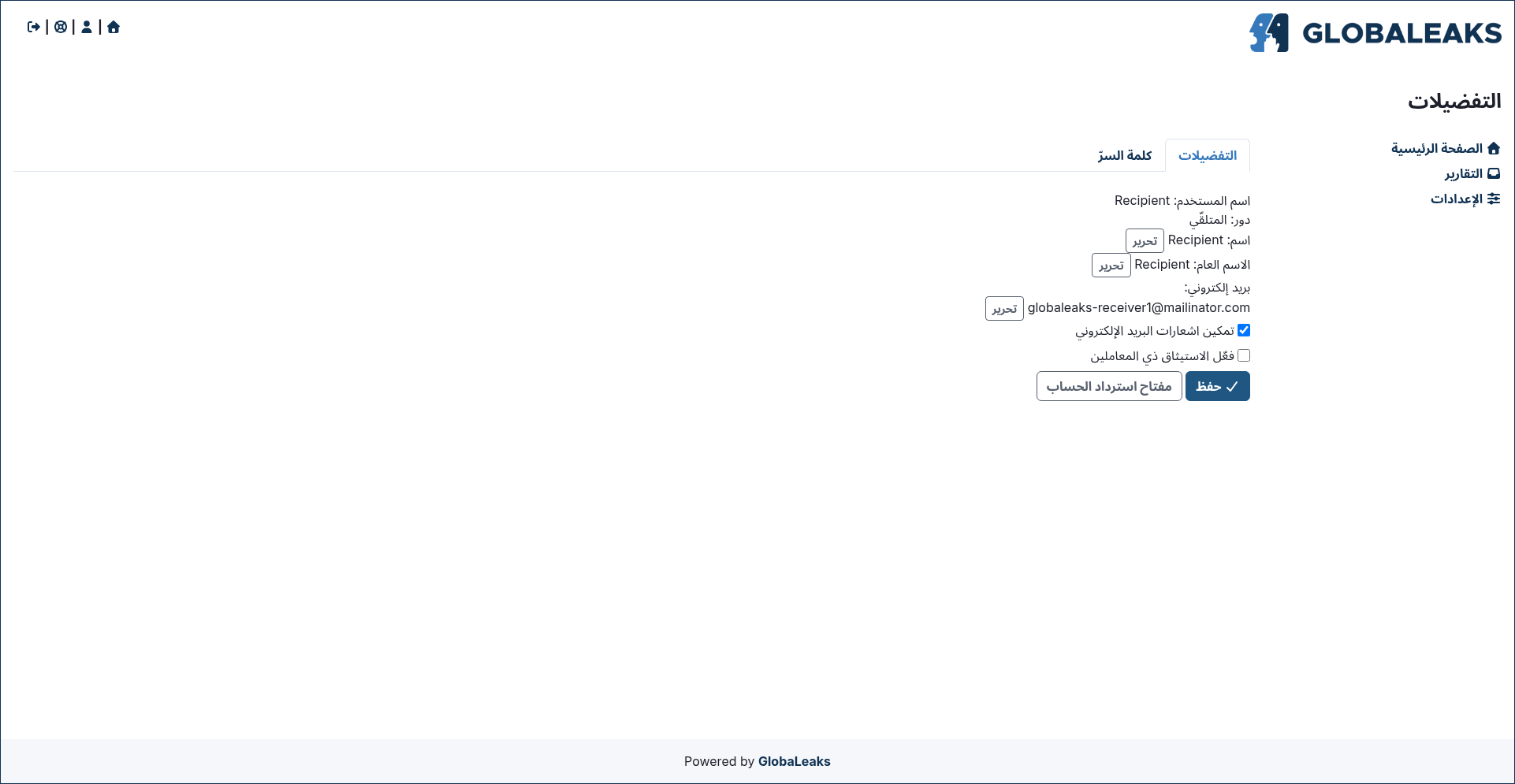
After login Users could access their preferences by clicking the Preferences link present in the login status bar.
Change your password
Users could change their own password by accessing the Password tab present in the Preferences page.

Reset your password
Users could requests a password reset via the /#/login page by clicking the Forgot password? button.
After clicking the button users are requested to type their own username or email address.


Enable two-factor-authentication (2FA)
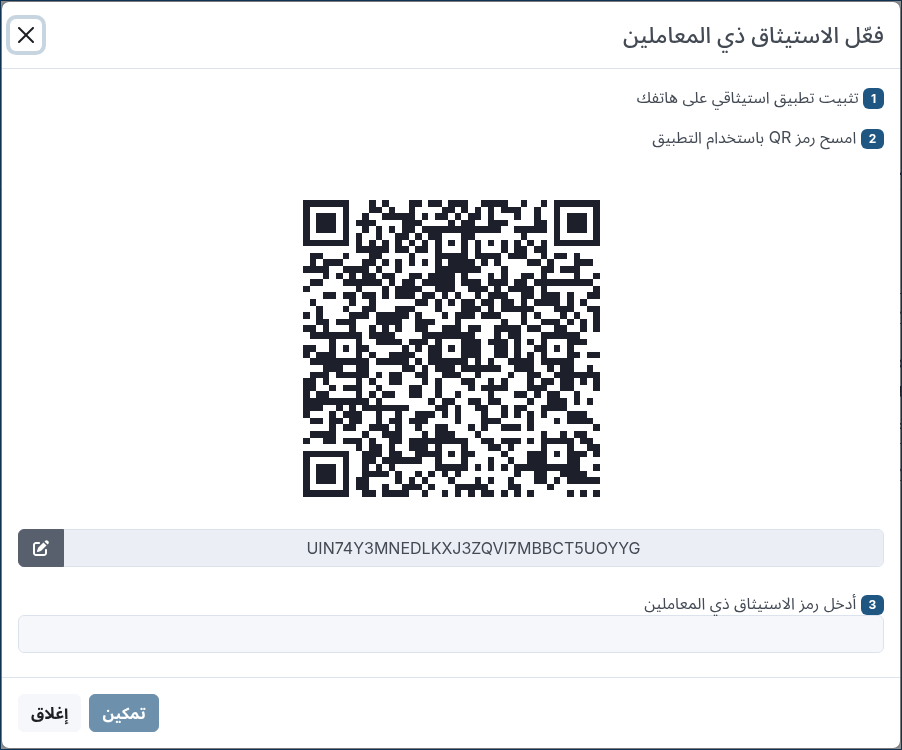
Users could enable Two-Factor-Authentication by clicking the Enable two factor authentication option inside the Preferences page.
To enable the feature the user requires to have a phone with installed a common Authenticator APP implementing the TOTP standard as by RFC 6238
Access and save your account recovery key
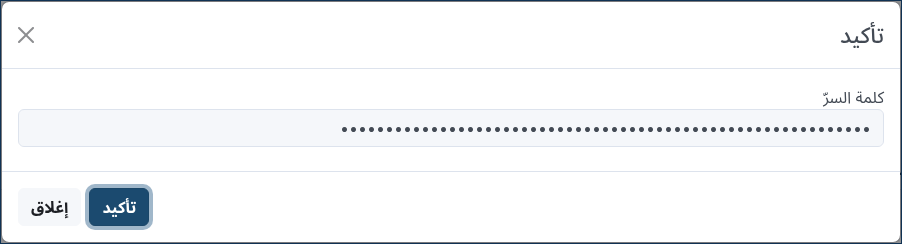
Users could access their own Account Recovery key by clicking the Account Recovery Key button present in the Preferences page.
This is a fundamental step that any user should do at their first login after activating their own account in order to backup their own account recovery key and get sure to not incur in data loss due to password loss.