Initialization
After installing GlobaLeaks, you can proceed with the platform wizard.
Open a browser at port 443 on your remote or local IP, respectively.
We recommend accessing using either the Tor address provided at the end of the installation or on localhost via a VPN.
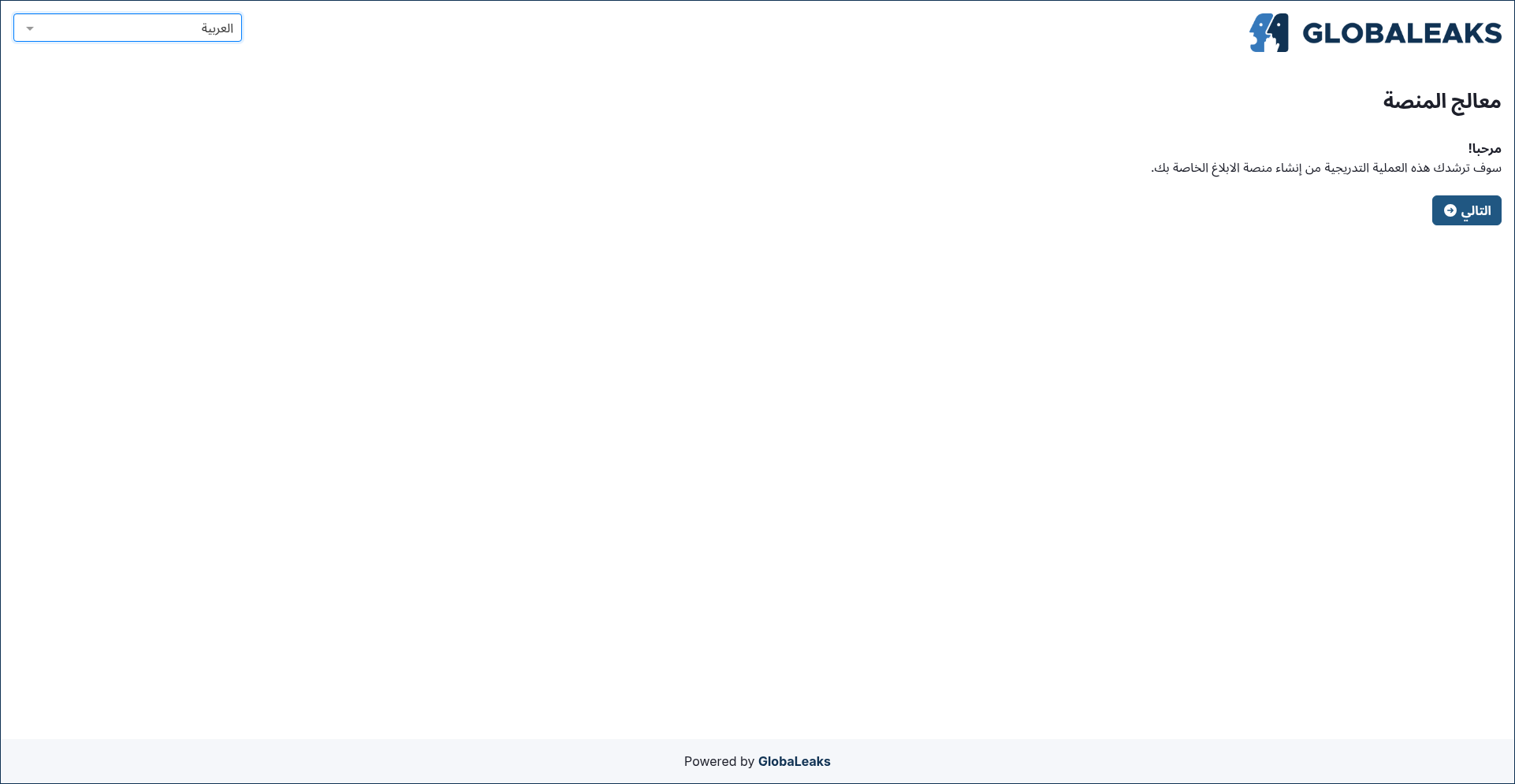
Choose the primary language for your site
In the first section of the wizard, you will be prompted to select the language for your site. The default choice is English, but many other languages are available, with more expected in the future.
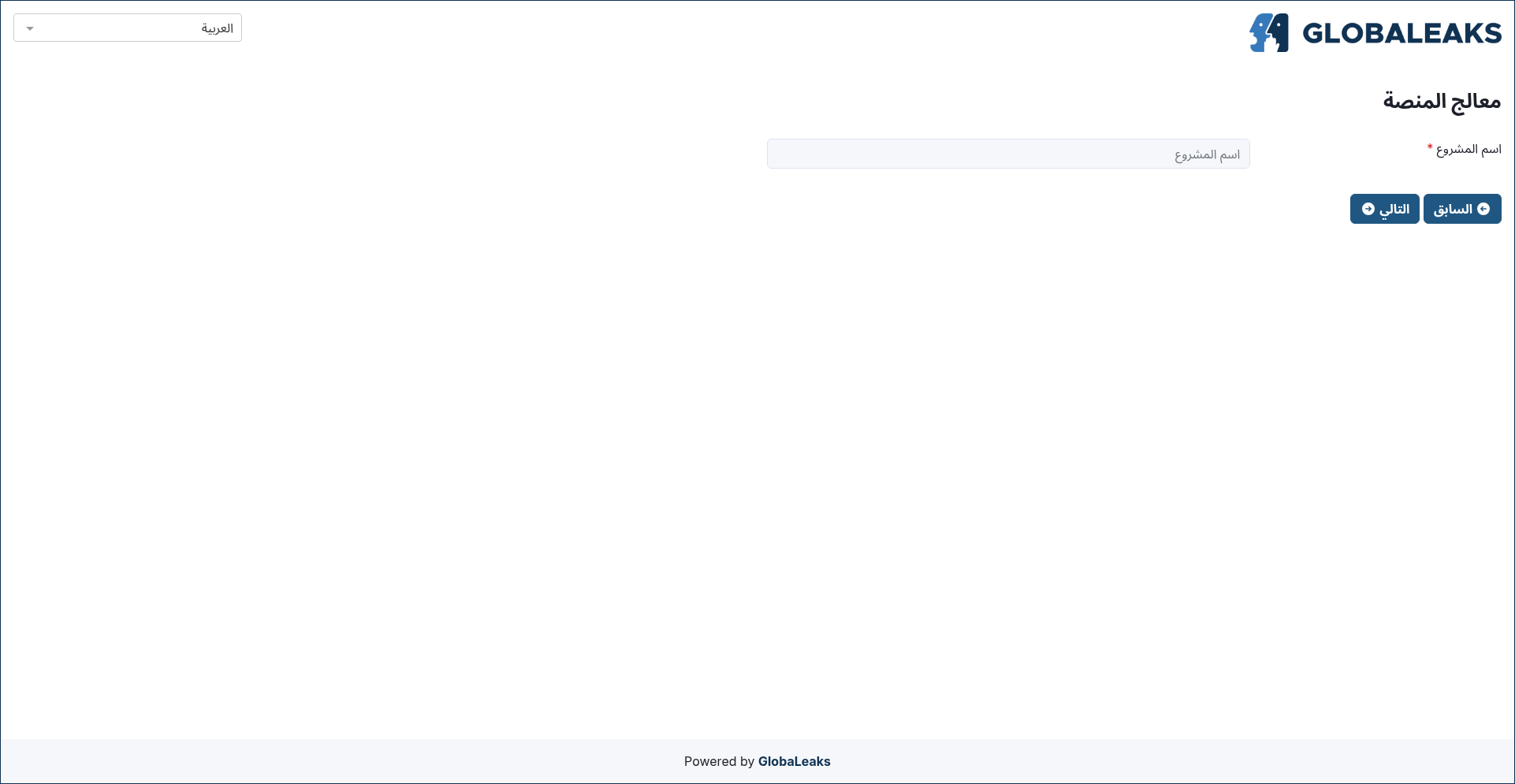
Choose a name for your project
In the second section of the wizard, configure the name of your project.
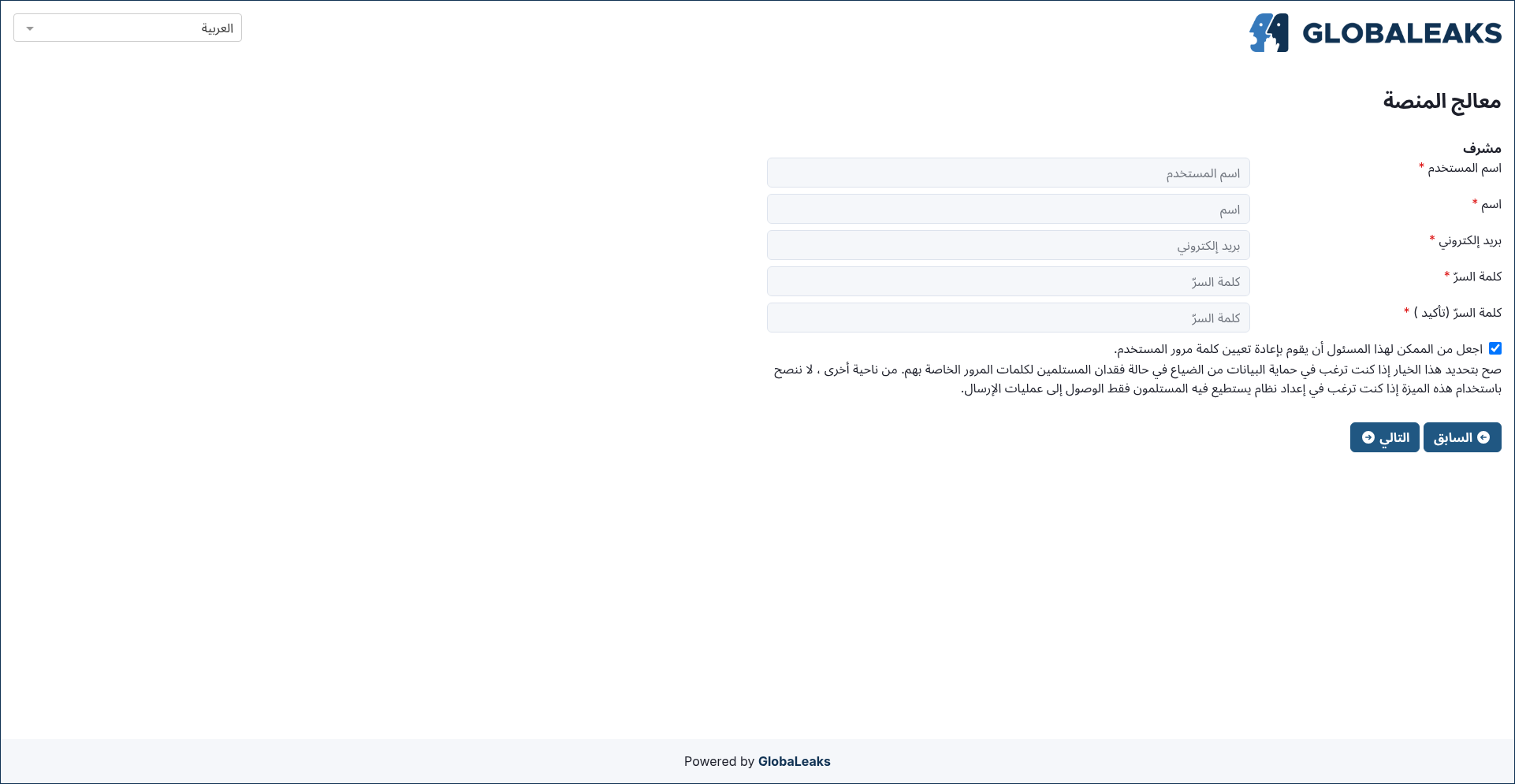
Configure the account for the administrator of your whistleblowing site
In the third section of the wizard, configure the account details for the administrator of your project.
Be sure to choose a strong password to protect this sensitive account; an indication of the strength of the chosen password is provided to guide you.
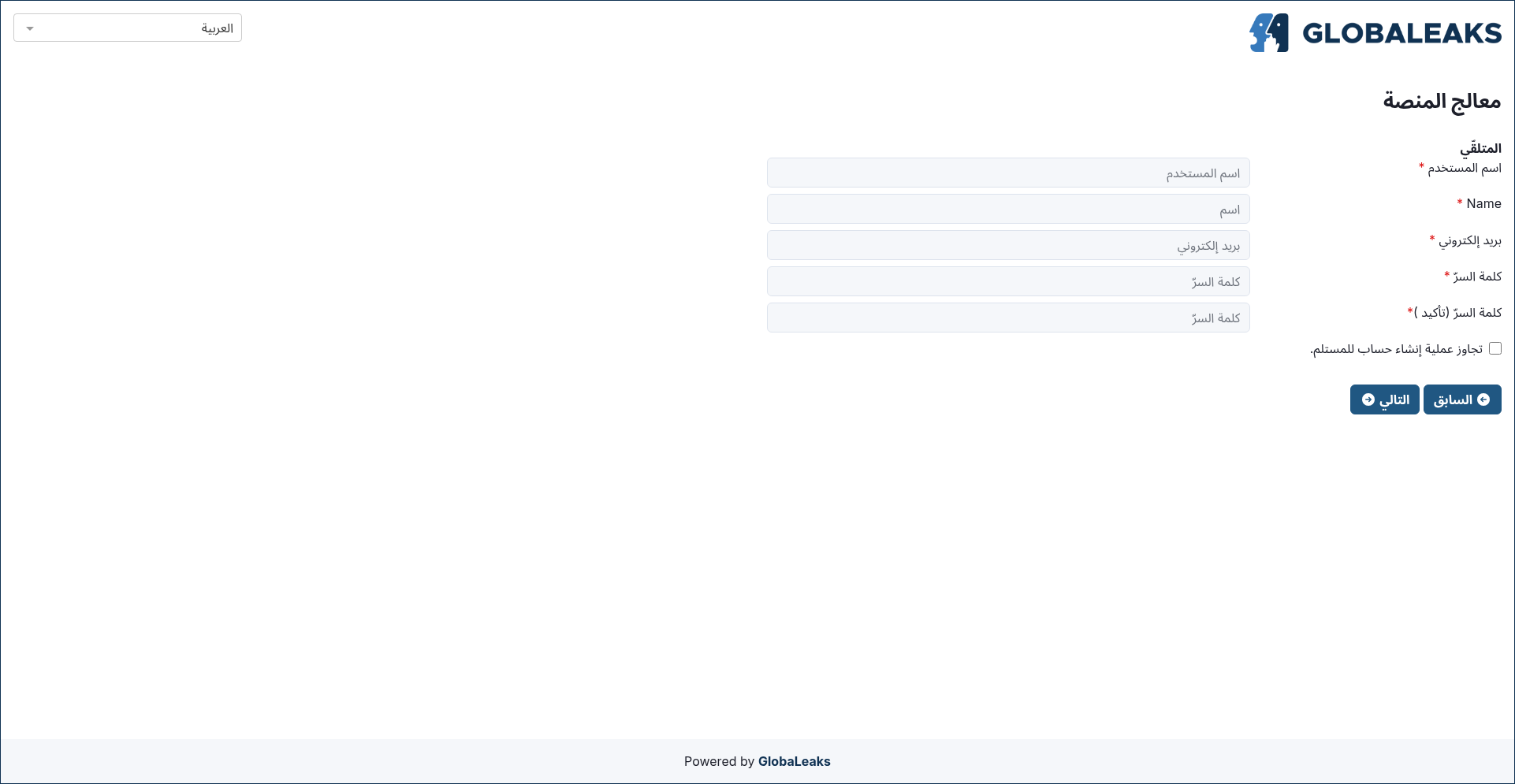
Configure the account for the first recipient of reports
In the fourth section of the wizard, configure the account details for the first recipient of reports sent to your project.
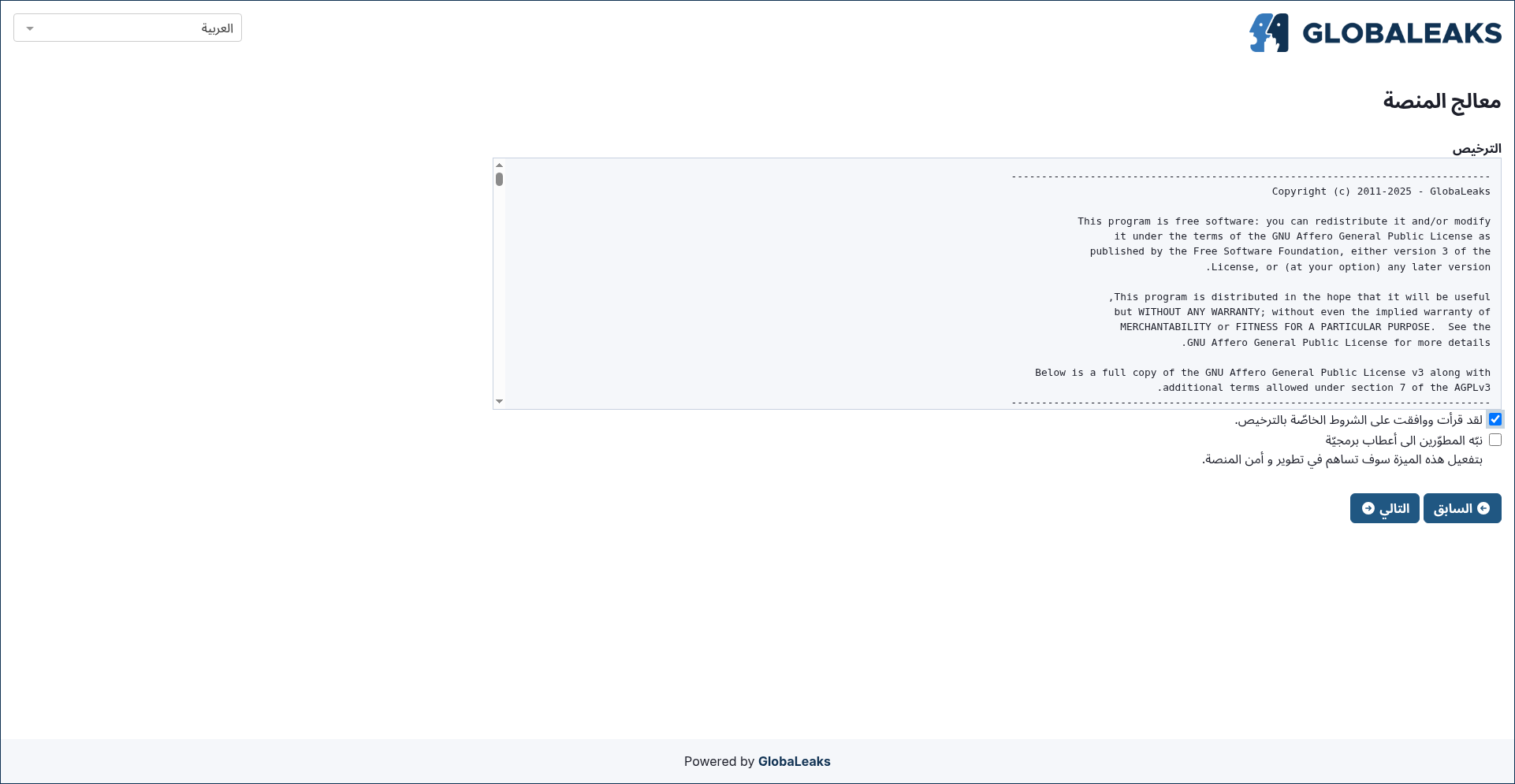
Read and accept the license
In the fifth section of the wizard, you will be prompted to read and accept the GlobaLeaks License.
Complete the wizard
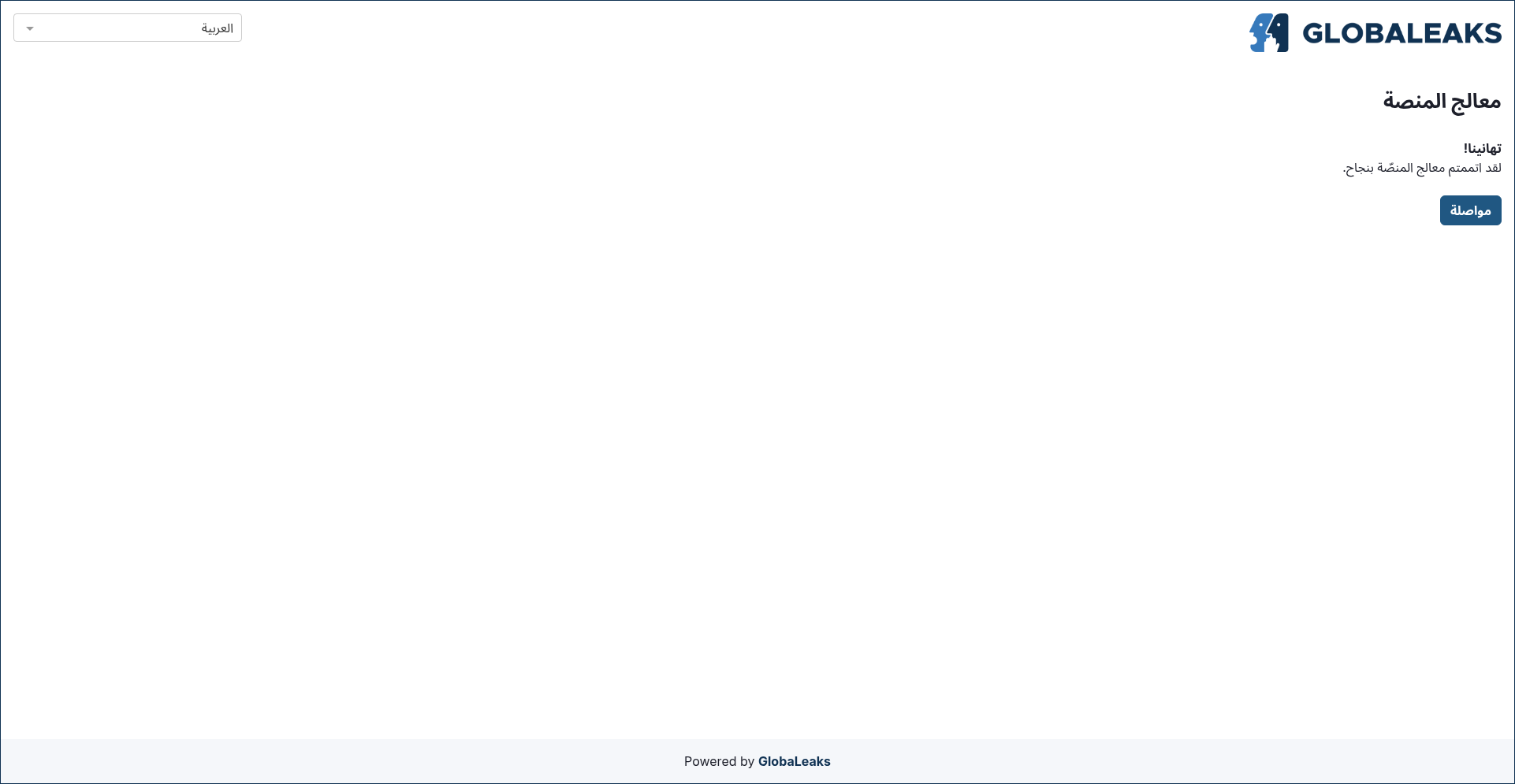
The sixth section of the wizard confirms the completion of the setup.